Cart
0
Compact / Mid Power


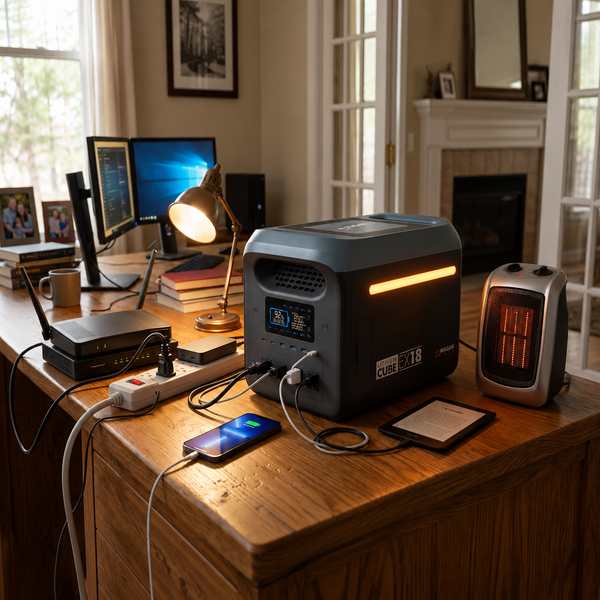


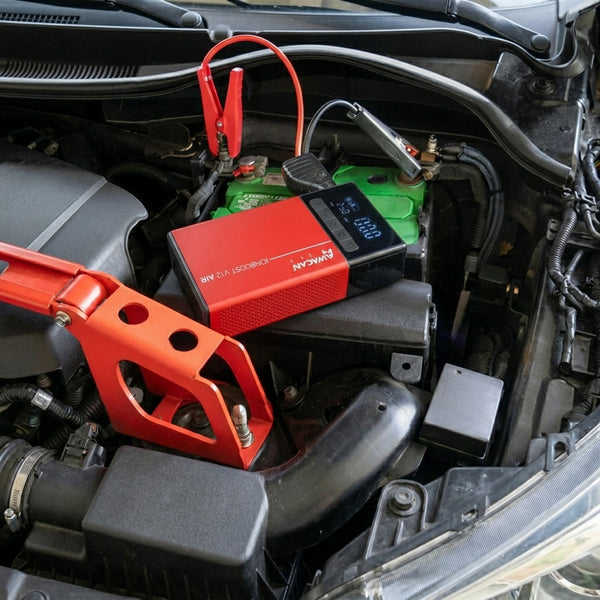
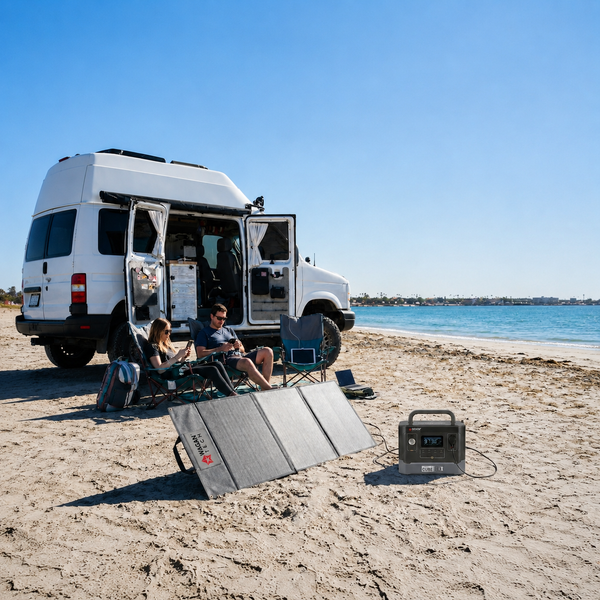

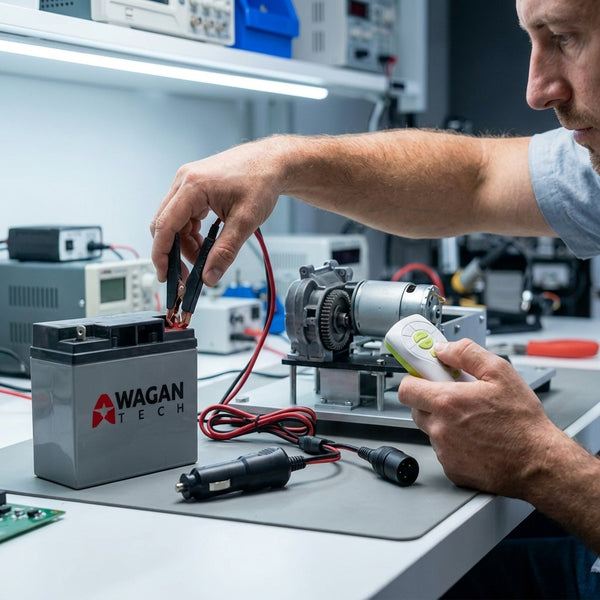
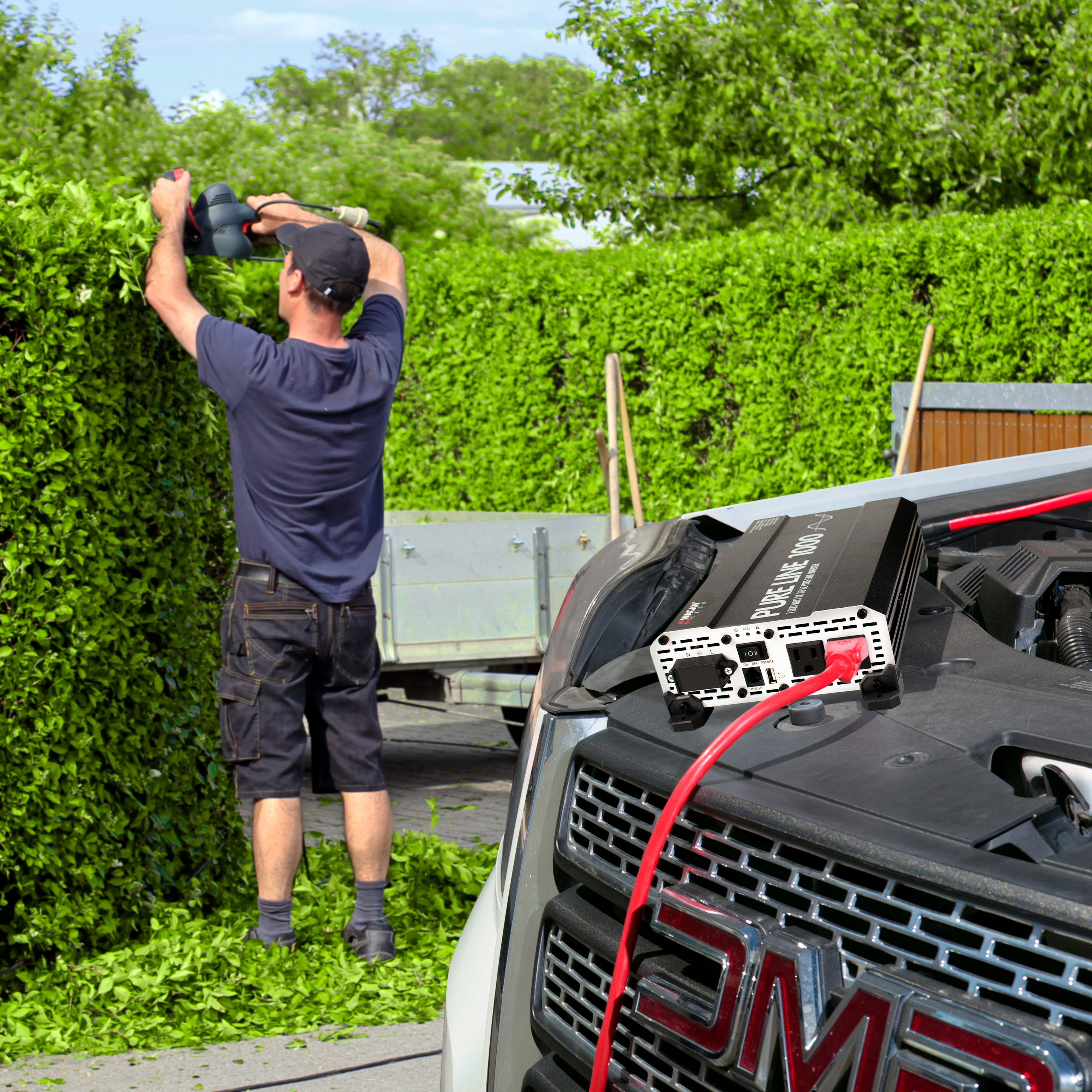
A power inverter can turn the power from a 12-volt battery into the type of AC electricity used by many household electronics and appliances. That makes an inverter useful when you're away from a traditional wall outlet, whether you're traveling, camping, working on a job site, or using a vehicle-based power system.
But if you've never used an inverter before, the cables, watt ratings, battery requirements, and safety precautions can seem complicated.
The good news is that the basic concept is simple:
Battery → Inverter → AC Power → Appliance
This guide explains how to use a power inverter in simple terms, including how to choose the right wattage, connect an inverter to a battery, and avoid some of the most common problems.
Important: This guide is based on the Wagan Tech Pure Line Inverter models 3804 (1,000W), 3808 (2,000W), and 3810 (3,000W). Always follow the instructions supplied with your specific inverter before operating it.
A power inverter converts DC (direct current) electricity from a battery into AC (alternating current) electricity that can be used by compatible AC appliances.
For example, the Wagan Tech Pure Line Inverter uses a 12V DC input and provides 115V AC output. The Pure Line models are designed to produce a pure sine wave, which is suitable for sensitive electronics such as computers, audio/video equipment, and communications equipment.
Think of an inverter as a bridge between your battery and your AC-powered equipment:
12V Battery → Power Inverter → 115V AC → Appliance

The answer depends on the inverter's wattage rating and the power requirements of the appliance.
The Wagan Pure Line series includes:
|
Model |
Continuous Power |
Peak Surge |
|
Pure Line 1000 |
1,000W |
2,000W |
|
Pure Line 2000 |
2,000W |
4,000W |
|
Pure Line 3000 |
3,000W |
6,000W |
These models are designed for 12V DC power and provide 115V AC at 60Hz.
Before plugging anything in, check the appliance's power requirements.
Look for a label on the appliance that lists:
Watts (W)
Amps (A)
Volts (V)
If the appliance lists amps instead of watts, you can estimate its wattage using:
For example, an appliance rated at 0.5 amps at 115 volts would use approximately:
115 × 0.5 = 57.5 watts
The Pure Line manual uses the same basic calculation for determining appliance wattage.
The first thing to do is determine how many watts your appliance requires.
For example:
Small electronics generally require relatively little power.
Coffee makers and other heating appliances can require significantly more power.
Motor-driven equipment can require substantially more power when starting.
The important thing is to stay within the inverter's continuous power rating.
For the Pure Line series, that means:
1,000W maximum for the 3804
2,000W maximum for the 3808
3,000W maximum for the 3810
Exceeding the inverter's maximum AC load can cause the inverter to shut down.
One of the easiest things to overlook when using an inverter is startup power.
Some appliances don't use the same amount of electricity when starting as they do while running.
Motors can require a large amount of power for a brief moment when they start. According to the Pure Line manual, some appliances can require several times their normal operating power during startup. The manual notes that an AC motor may require 5–7 times its running power to start, depending on the motor.
That's why an appliance that appears to be within your inverter's continuous wattage rating may still cause an overload when it starts.
Imagine a motorized appliance that normally uses 600 watts.
It may require considerably more than 600 watts when starting.
This is why you need to consider both:
Running watts + startup surge
The Pure Line models provide additional surge capacity specifically to handle short startup demands.
For a high-power inverter such as the Wagan Pure Line series, the inverter connects directly to a 12V battery or battery bank.
Before making any connections:
Place the inverter in a secure location.
Make sure the inverter has adequate airflow.
Make sure the inverter is turned OFF.
Use the appropriate DC cables.
Install the appropriate fuse near the battery's positive terminal.
Connect the ground wire as specified by the installation instructions.
Connect the negative cable.
Connect the positive cable.
Check that all connections are secure.
The Pure Line manual specifically instructs users to install the fuse close to the battery's positive terminal and emphasizes proper cable sizing and secure connections.
A fuse helps protect the battery, cables, equipment, and people in the event of an accidental short circuit.
For the Pure Line models, the manual specifies:
3804: 100A fuse
3808: 200A fuse
3810: 300A fuse
The fuse should be positioned no more than one foot from the battery's positive terminal according to the manual.
Once the inverter has been properly connected:
Make sure the appliance is turned OFF.
Turn the inverter on.
Check the indicator lights.
Make sure the green Power LED is illuminated.
Make sure the Fault LED is not illuminated.
Plug the appliance into the inverter's AC outlet.
Turn the appliance on.
This sequence is outlined in the Pure Line installation procedure.
Tip: Turning the appliance on only after the inverter is operating normally can make it easier to identify potential problems.
Understanding the indicator lights can make troubleshooting much easier.
A green Power LED indicates that the inverter is operating normally.
A yellow Ground Fault LED indicates that the ground-fault circuit has been interrupted.
If this light comes on, turn the inverter off and restart it. If the problem continues, disconnect appliances one at a time to help identify the source of the fault.
The red Fault LED indicates that the inverter has shut down because of a condition such as:
Overheating
Overload
Low voltage
High voltage
If the red Fault LED comes on, turn off the connected AC appliances and allow the inverter to cool. Also check that the ventilation openings aren't blocked.
A common question is: "Why is my inverter making a buzzing or beeping sound?"
For the Pure Line Inverter, an audible buzzing sound can indicate that the battery voltage is getting too low.
The manual recommends:
Reducing the AC load
Charging the battery
Checking the DC cables and connections
Making sure the cables are properly sized
Keeping cable runs as short as practical
The Pure Line models have a low-battery alarm at approximately 10.5V and a low-voltage shutdown at approximately 10.0V.
A continuous buzzing sound can also be caused by poor battery condition, loose cable connections, or excessive voltage drop.
An inverter doesn't create electricity. It uses electricity stored in a battery.
That means runtime depends on several factors, including:
Appliance wattage
How long the appliance is running
Battery capacity
Battery condition
Cable size and length
Temperature
Other loads connected to the battery
The Pure Line manual recommends calculating the total watt-hours needed based on the appliance's average power consumption and expected runtime.
A simple way to think about it is:
Watts × Hours = Watt-hours
For example:
500W × 2 hours = 1,000Wh
This is an estimate of the energy the appliance would consume during that period. Actual runtime will depend on the battery system and other factors.
High-power inverters can draw substantial current from a 12V battery.
For example, as the AC load increases, the amount of current required from the battery also increases.
That's why high-power inverter systems require appropriately sized DC cables.
The Pure Line manual recommends using the thickest practical wire and the shortest practical cable length to minimize cable losses. It also provides specific cable-gauge recommendations based on inverter model and cable length.
Using the correct cable size isn't just about performance—it is an important part of a safe inverter installation.
Choose a location that is:
Dry
Secure
Away from direct heat
Away from combustible materials
Properly ventilated
Inverters generate heat while operating, so the ventilation openings should remain unobstructed.
For a permanently installed inverter, the Pure Line manual also provides instructions for mounting and grounding the inverter.
Possible causes include:
The appliance is drawing too much power.
The inverter is overheating.
Battery voltage is too low.
Battery voltage is too high.
There is a cable or connection problem.
Start by turning off the connected appliances and checking the inverter's indicator lights.
Make sure the inverter has sufficient ventilation and that its vents aren't blocked.
Reducing the electrical load may also help prevent thermal shutdown.
Check whether the Fault LED or Ground Fault LED is illuminated. A ground fault can be caused by issues such as faulty wiring, damaged insulation, or an appliance problem.
Check the battery voltage, battery condition, cable connections, cable size, and cable length.
A power inverter can provide convenient AC power, but it should be treated like an electrical power source.
Keep these basic safety rules in mind:
The Pure Line models are designed for a 12V DC power source. Do not connect them to an AC power source or another incompatible power source.
Never exceed the inverter's specified continuous or surge capacity.
Incorrect battery polarity can damage the inverter and void its warranty.
Don't cover the ventilation openings or place the inverter next to a direct heat source.
The battery-to-inverter connection should use appropriately sized cables and fuse protection.
The manual warns that batteries can produce explosive hydrogen gas, particularly during charging or high discharge rates.
At its most basic, using a power inverter comes down to four things:
1. Know what you're powering.
Check the appliance's wattage.
2. Choose an inverter with enough capacity.
Account for both running power and startup surge.
3. Connect the inverter correctly.
Use the proper battery, fuse, cables, and grounding method.
4. Monitor the system.
Watch the indicator lights, battery voltage, temperature, and electrical load.
Once you understand these basics, using a power inverter becomes much easier.
Whether you're powering electronics in a vehicle, running equipment away from a traditional outlet, or building a larger battery-powered system, understanding your inverter's wattage and your battery's available energy is the key to getting reliable performance.
For complete installation and safety information, always consult the owner's manual for your specific inverter model.
Check out our Inverters:
Pure Sine Wave Inverters
Modified Sine Wave Inverters